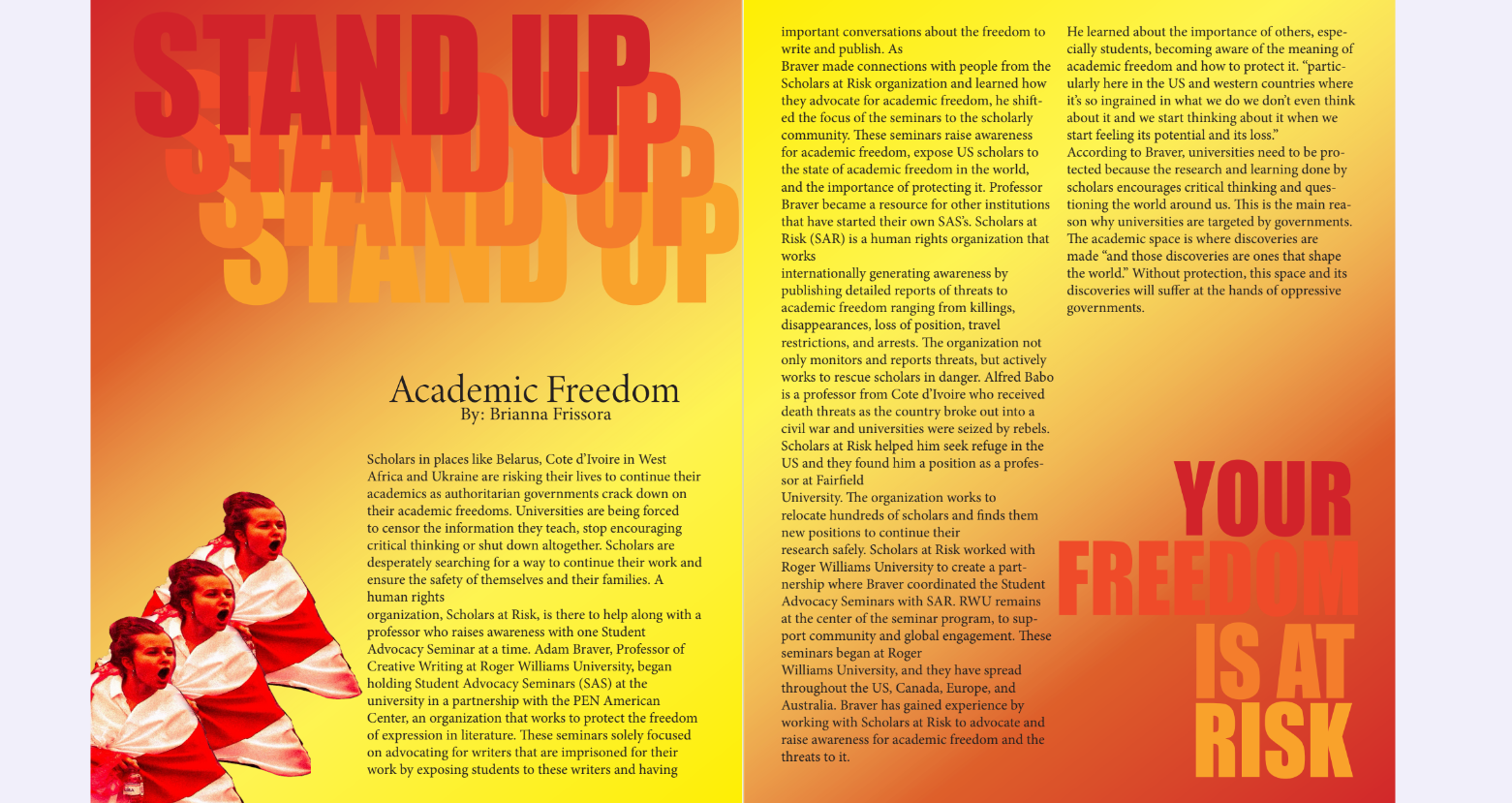
My experience with Indesign wasn’t as frustrating as the other programs. It was relatively easy to get the hang of, although there were some elements that I struggled with, I managed to work my way around them. When figuring out my final layout, I knew I wanted to work with red, orange and yellow as my primary colors. Because SAR (Scholars at Risk which is what my article is about) uses red as it’s primary color. I wanted it to be eye opening and intriguing with flashy headlines that made you look. I wanted to work with bold, colorful lettering that was repetitive but also almost a warning. I had the idea for the graphic red image when I was trying to stick to the color scheme and wanted it to look like someone had cut it out and taped it to the page. I wanted to add more photos but the entire process was extremely time consuming and I had already spent so much time trying to make the lettering the way I wanted it. I was really pleased with Indesign and the way it worked. I made a zine by hand in high school about women’s reproductive rights and this inspired me to make my layout like the zine I’d put together then. I will definitely be using this in the future. I hope to come up with my own zine that I could publish and maybe distribute through Roger Williams and I hope to share this idea with my current internship, Communities of Hope with Professor Bernardo.
